
Geo-tagging: Adding location data to media content

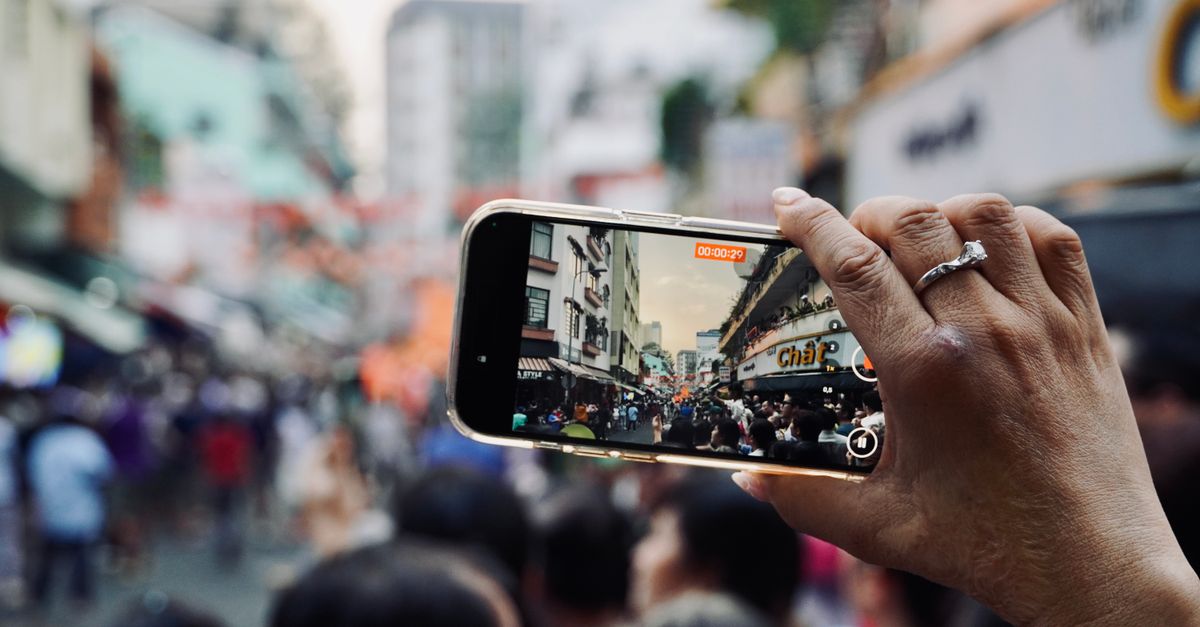
Hand holding smartphone capturing bustling city street scene with crowd.

Geo-tagging is the process of adding geographic metadata to various types of media, such as photographs, videos, social media posts, and documents. This metadata typically includes coordinates like latitude and longitude, which pinpoint the location where the content was created or is relevant. By embedding this location-based information, geo-tagging enables the organization, search, and analysis of content based on geographic context, enhancing both the user experience and the utility of digital content.

In practical applications, geo-tagging plays a crucial role in various industries, including journalism, tourism, and social networking. Photographers, travelers, and bloggers use geo-tags to share the exact locations of their experiences, allowing audiences to explore places virtually or plan visits based on real-world insights. For businesses, geo-tagging can drive localized marketing efforts and improve search engine optimization by linking content to specific geographic regions, thereby increasing relevance for local searches.

While geo-tagging offers numerous benefits, it also raises important considerations regarding privacy and data security. The precise location data embedded in content can potentially expose sensitive information about individuals’ whereabouts and habits. As a result, users and organizations must balance the advantages of geo-tagging with appropriate privacy controls and opt-in mechanisms to ensure that location data is shared responsibly and securely.

Key Uses of Geo-Tagging

Take a concrete case: a hospitality business uploads 6,000 geo-tagged photos across its websites and social media. Each image carries precise location information, allowing potential guests to find visually engaging content linked to their area of interest. Over time, this practice can translate into improved search visibility and a more immersive user journey, as customers interact with media directly relevant to their local context or travel plans.

Adding location data to images or videos offers immediate advantages for both businesses and users. For local brands, geo-tagging helps content surface in nearby searches, making it easier for clients physically close to your venue to engage or visit. For event marketers, live updates tagged with event locations can boost real-time involvement and increase awareness within specific geographic communities.

While geo-tagging brings clear benefits, it’s vital to consider privacy implications and ensure only public-facing content reveals sensitive location data. Businesses should establish internal guidelines to prevent sharing unintended details, especially in relation to personnel or client privacy where required.

  • Boosts visibility for local search results
  • Drives footfall by targeting nearby customers
  • Enhances relevance for mobile users seeking immediate options
  • Supports targeting and retargeting ads based on actual locations
  • Increases engagement for event-driven or travel content
  • Adds context for user-generated media, strengthening trust and authenticity

Privacy and Security Considerations

Look at the numbers: if a business shares 7,200 pieces of media a month with geo-tagging enabled, all containing precise location metadata, that’s 86,400 individual coordinates revealed over a single year. This can create a detailed map of key business locations, employee routines, or even customer patterns. For small and medium businesses, it opens up clear risks if this data falls into the wrong hands, such as targeted fraud, stalking, or even physical theft.

Risks associated with embedding location data include unintentional exposure of home or business addresses, giving away the timing of activities (making out-of-office periods obvious), and exposing recurring travel patterns. Apps and platforms can retain location data beyond what’s visible to the user, so deleting a post or disabling a setting after the fact may not remove all traces. Review your sharing preferences before posting, and be mindful of handling team photos, event coverage, and customer testimonials that might reveal sensitive locations.

  • Always check location settings before uploading each photo or video
  • Educate staff on risks of sharing personal or sensitive locations
  • Limit location data to content where it truly adds value
  • Update privacy settings regularly across all accounts
  • Use privacy-focused tools to strip metadata when needed
  • Audit old shared content to find and remove risky location info
  • Avoid geo-tagging media in or near private or vulnerable sites

Common Geo-Tagging Mistakes

Incorrect geo-tagging can mean your images or videos appear in search results for the wrong locations, confusing both users and location-based search tools. One frequent mistake is allowing devices to use inaccurate location data, such as when GPS settings are disabled or only approximate location data is saved. Media files then get tagged with broad or completely wrong details, which disrupts targeting.

Another issue is batch-uploading photos that were taken in different places, then applying a single tag to all of them for convenience. For instance, if a marketing team processes 8,400 media files from six cities and assigns the same city tag, half may end up incorrectly grouped. This not only hinders local marketing campaigns but can also reduce trust among users and platforms due to inconsistent content.

  • Relying on Wi-Fi or cell tower location instead of accurate GPS signal
  • Tagging content in bulk without reviewing individual media locations
  • Forgetting to double-check coordinates in metadata before publishing
  • Overlooking device time zone settings, which can shift geotags in timestamps
  • Using outdated location data from previous shoots
  • Not standardising the naming of places or using unofficial location names
  • Uploading or sharing media without reviewing privacy settings related to location data

Geo-Tagging FAQ

Run the maths on this: an Irish photo-sharing business uploads around 9,600 images each month (using the formula: 1200 x (4 + 4)). By embedding location data into every image, the business can quickly filter and sort photos by branch or region, which streamlines content creation for social media updates. This boost in efficiency can save many hours over the year, especially when managing large media libraries.

However, geo-tagging comes with potential pitfalls. Over-sharing location information may inadvertently reveal sensitive or private details, particularly if the exact coordinates are embedded. Before enabling automatic geo-tagging, review your platform’s privacy settings and policies, ensuring you aren’t sharing customer or staff locations without consent.

  • Always double-check location metadata before sharing media online
  • Consider whether automatic geo-tagging is right for every piece of content
  • Stay aware of privacy policies, especially for photos involving people
  • Use location data to organise images, but limit publishing of sensitive locations
  • Regularly audit old media to remove or edit unnecessary location details
  • Advise team members on appropriate use of location tagging in business media
👉 See the definition in Polish: Geo-Tagging: Dodawanie danych lokalizacyjnych do treści

Related terms

Browse all terms in our Digital Marketing Glossary

Leave a comment