
Page Experience Signals: Metrics reflecting user satisfaction on pages

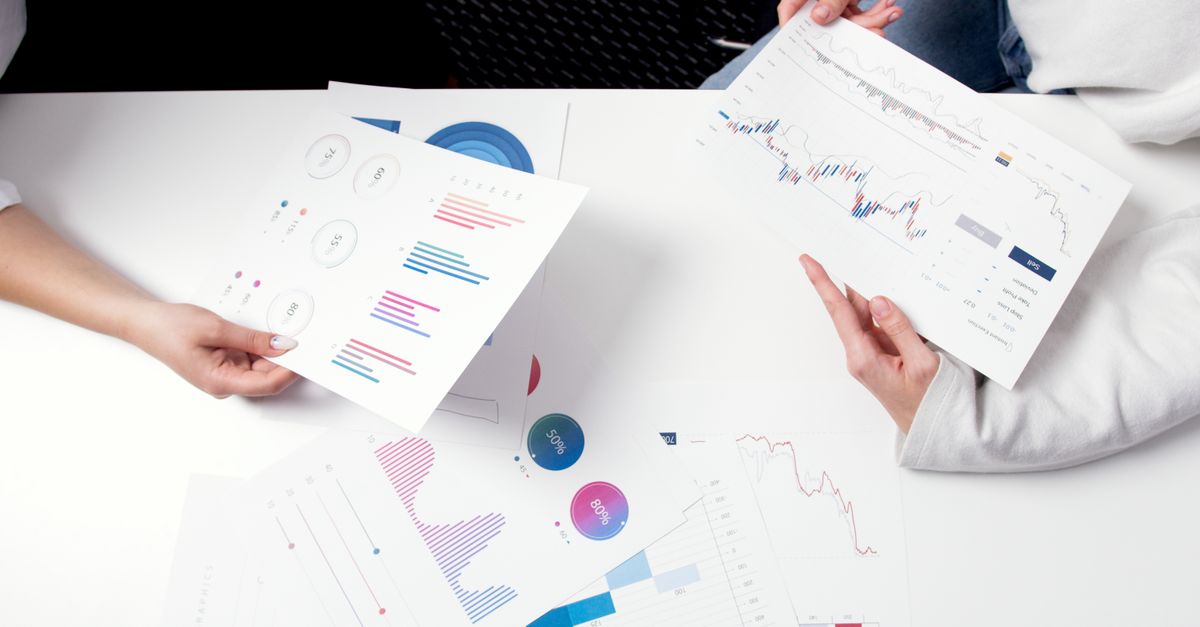
Hands holding business charts and graphs during a meeting, showcasing financial analysis and investment strategy.

Page Experience Signals are a set of metrics that evaluate the overall user experience of a webpage, influencing how search engines like Google rank and display content. These signals encompass various factors including loading speed, mobile-friendliness, interactivity, and visual stability. Collectively, they help determine whether a page provides a seamless, engaging, and safe experience to visitors.

These signals have become increasingly important as user expectations continue to evolve in the digital age. Metrics such as Core Web Vitals—which include Largest Contentful Paint (LCP), First Input Delay (FID), and Cumulative Layout Shift (CLS)—play a crucial role in assessing page performance. By focusing on these elements, webmasters can diagnose and address issues that may detract from the user experience, such as slow load times or disruptive visual shifts.

Incorporating Page Experience Signals into website optimization efforts can have a significant impact on both user satisfaction and search engine rankings. Improved page experience not only reduces bounce rates but also encourages longer engagement times and higher conversion rates. As search engines increasingly prioritize user-centric factors, maintaining excellent page experience has become essential for digital success.

Core Web Vitals and Other Metrics

Take a concrete case: a local e-commerce website receives 6,000 monthly sessions thanks to recent growth in online searches. If pages load in over four seconds, customers experience frustration and begin to drop off. Core Web Vitals highlight critical aspects of such user experiences. For instance, Largest Contentful Paint (LCP) tracks how quickly the main content appears, while First Input Delay (FID) focuses on how soon users can interact. Cumulative Layout Shift (CLS) assesses whether images or elements unexpectedly move, which can lead to accidental clicks and reduced trust.

A common pitfall for smaller sites is overlooking these signals during design tweaks or plugin installations. When product galleries or pop-ups are poorly optimised, they hurt visual stability, affecting the overall page experience score. Prioritising these metrics helps businesses identify slow spots and improve satisfaction, which can impact rankings and drive engagement.

  • Loading speed should be under 2.5 seconds for good LCP scores
  • Interactivity is best when users can click within 100 milliseconds
  • Visual stability keeps pages steady as elements load
  • Regular monitoring helps catch problems after site updates
  • Aim for improvements on both mobile and desktop versions
  • Slow or unstable sites risk higher bounce rates and lost conversions

Impact of Page Experience Signals on SEO

Look at the numbers: if a site attracts 7,200 sessions monthly thanks to regular updates and fast-loading pages, this strong user experience can push rankings higher for several key terms. Improvements in page speed, security, and mobile responsiveness send clear signals to search engines that a website values user satisfaction. Over time, this can translate to greater visibility on results pages, even for highly competitive queries.

Sites that ignore these signals risk falling behind. Slow-loading or unstable pages can drive users away, leading to higher bounce rates and fewer repeat visits. Search engines pick up on these poor engagement metrics and may rank such content lower. By continuously measuring and enhancing real-world experience factors, businesses are more likely to see sustained growth in organic traffic and remain visible to new audiences.

  • Regularly monitor loading times and aim for under two seconds
  • Ensure pages respond well on all modern mobile devices
  • Implement HTTPS to build user trust and signal security
  • Avoid intrusive ads or pop-ups that interrupt the user flow
  • Track engagement metrics like dwell time and bounce rate
  • Review error rates and fix broken links promptly

Common Pitfalls and Optimisation Tips

Many businesses overlook technical issues like slow load times, intrusive pop-ups, and non-responsive layouts that impact real users daily. While analytics may show 8,400 monthly sessions, these hidden problems can increase bounce rate and reduce conversions. For instance, even a slight delay in page loading can lead to hundreds of lost opportunities over a month, especially during periods of high activity.

Another frequent pitfall is ignoring accessibility. Sites that fail to cater for users with different needs risk excluding a portion of their audience. This not only harms satisfaction and reputation but can also impact search rankings. Consistently reviewing usability across devices and providing clear, accessible content pays off both in user trust and visibility.

  • Minimise the use of large images or unoptimised files to improve load times
  • Avoid disruptive pop-ups, especially on mobile devices
  • Regularly test layouts on various screen sizes for responsiveness
  • Continuously monitor real user metrics, not just lab data
  • Ensure navigation is clear and consistent throughout the site
  • Audit accessibility features, such as alt text and keyboard navigation

Frequently Asked Questions About Page Experience Signals

Run the maths on this: an e-commerce site currently records 9,600 monthly sessions and wants to reduce bounce rates tied to slow-loading pages. By improving site speed and interactivity, let’s say bounce rates drop from 60% to 40%. That’s 1,920 extra visitors staying engaged each month, illustrating the bottom-line impact of page experience improvements.

Misconceptions can arise around what actually counts in these metrics. Not every visible change improves page experience signals—sometimes tweaks made for aesthetics disrupt performance or accessibility. Before rolling out any changes, check if core metrics such as loading speed, mobile usability and secure connections are positively impacted. Focus on elements directly tied to user satisfaction, rather than just visual upgrades or extra features.

  • Loading speed is a key factor in page experience evaluation
  • Mobile-friendliness means more than scaling; touch targets matter
  • Security indicated by HTTPS is now an essential baseline
  • Intrusive interstitials can ruin perceived quality
  • Consistent layout prevents accidental clicks and frustration
  • Accessibility changes can indirectly raise satisfaction where users struggle
👉 See the definition in Polish: Page Experience Signals: Sygnały wpływające na doświadczenie strony

Related terms

Browse all terms in our Digital Marketing Glossary

Leave a comment