
Facebook: Social platform for business and personal use

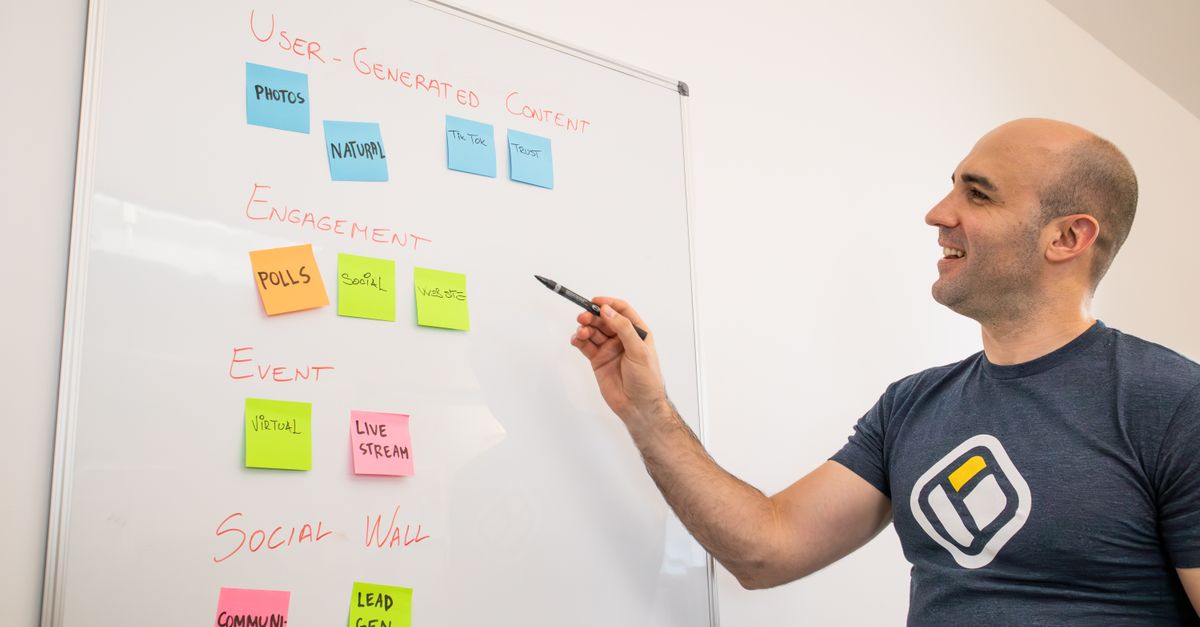
Smiling man presents strategies on a whiteboard with post-its, focusing on engagement and user-generated content.

Facebook is a widely recognized social networking platform that began as a university project and evolved into a global communication and community-building tool. It allows users to create personal profiles, connect with friends and family, and share updates, photos, and multimedia content. The platform has redefined how people interact online, bridging gaps across geographical distances and cultural boundaries.

The platform’s design and functionality focus on user engagement, featuring news feeds, groups, and events—all designed to foster interaction and information sharing. Its innovative algorithms tailor content to user preferences, ensuring individuals see posts, advertisements, and updates aligned with their interests. This dynamic system has set new standards for personalized digital experiences and significantly influenced the evolution of online media consumption.

Beyond its role as a social network, Facebook has expanded into an ecosystem supporting businesses, content creators, and developers. With integrated tools for marketing, analytics, and even virtual reality, it serves as a comprehensive digital hub. Its continuous evolution reflects broader technological and media trends, cementing its position as a central player in shaping global digital communication.

Key Features and User Experience

Take a concrete case: a Galway-based café owner logs in and quickly navigates a dashboard designed for both speed and simplicity. The feed is built to immediately show the latest updates from friends, businesses, and community groups—helping users keep up without getting lost. For businesses, key features include scheduling posts, responding to messages, managing reviews, and running photo or video adverts, all from a central panel optimised for mobile and desktop. These tools are grouped clearly, so even if you have limited experience, you can access campaign results or update your contact info in a couple of clicks.

Usability is core to the experience. Each action—whether posting daily offers or replying to a customer comment—requires only a few steps. If the café averages 6,000 monthly interactions, staying on top of messages and updates can happen within minutes each day. Navigation relies on familiar icons and menus, reducing the learning curve for new users. The interface gives businesses a chance to present themselves as reliably and professionally as larger organisations, making it a level playing field.

  • Easy switching between personal and business profiles
  • Central dashboard for posts, messages, and insights
  • Quick access to events and groups for targeted engagement
  • Option to schedule content in advance for efficiency
  • Streamlined advert creation with step-by-step onboarding
  • Intuitive notification system for prompt replies to customers

Facebook in Business and Marketing

Look at the numbers: An SME allocating €3,500 per month to Facebook ad campaigns over four months can segment audiences with precision, increase brand awareness, and track conversions in real-time. By targeting users based on interests, location, or behaviour, businesses achieve more efficient use of budgets compared to untargeted print ads. Over a four-month campaign, detailed analytics allow fine-tuning for optimal reach and return. This data-led approach translates to higher engagement rates and lower wasted spend.

Professional users benefit from interactive tools for direct customer engagement, such as instant messaging and comment threads. These features help resolve issues quickly, gather feedback, and build trust. However, relying heavily on one platform poses risks, such as algorithm changes or account restrictions. Diverse, authentic content and regular monitoring are essential to stay ahead.

  • Micro-targeting ensures ads reach relevant audiences
  • Performance tracking provides clear insights for improvement
  • Direct messaging supports rapid customer support and queries
  • Friendly content formats suit promotions and updates
  • Communities and groups foster loyalty around a brand
  • Cost control options suit a range of business sizes

Notable Examples of Facebook Use

A local bakery uses Facebook to share daily specials and engage with its audience, posting photos that reach around 8,400 people each month. Over several months, this consistent activity draws in new customers, who mention seeing the posts and visiting because of mouth-watering images. By adjusting content based on which posts get the most reactions, the bakery boosts engagement and grows both its page followers and in-store visits.

A freelance designer maintains a personal profile to network and share completed projects. Receiving regular messages for collaboration opportunities and contracts, the designer tracks which types of posts—work-in-progress shots or final designs—yield the most contact requests. Over time, refining post style and timing leads to more fruitful professional negotiations and improved visibility in relevant creative communities.

  • Local retailers drive footfall through offers and timely event announcements
  • Creatives showcase portfolios and attract collaborative projects by joining relevant groups
  • Community organisations gather volunteers and coordinate events using group tools
  • E-commerce businesses interact directly with clients to resolve queries and manage reputation
  • Individuals maintain personal connections and share life updates with distant friends and relatives

Frequently Asked Questions about Facebook

Run the maths on this: if a small business posts twice a week for 14 weeks, that’s 28 posts total. Spreading your content helps keep your audience engaged without overwhelming them. For those considering a paid push, evaluate results such as likes, comments or new leads from the previous period, and adjust your content or ad spend accordingly. This way, you measure real engagement and see where to tweak your approach.

It’s important to be aware of privacy settings and business page policies. Large changes to a page’s name or category may take time to be approved, or could be rejected if they mislead users or break guidelines. Mistakes here can reduce page visibility or even temporarily suspend features.

Controlling page access matters as you expand your team. Assign page roles carefully. Give only trusted staff administrator rights, and make sure you have a backup admin in case someone leaves suddenly. This can prevent significant disruption to your online presence.

  • Clear privacy settings boost trust and audience confidence
  • Regularly review page role assignments to keep control secure
  • Use business page insights to track performance trends over time
  • Follow content guidelines to avoid accidental post removals
  • Be prepared for waiting periods on page changes or verifications
👉 See the definition in Polish: Facebook: Platforma społecznościowa

Related terms

Browse all terms in our Digital Marketing Glossary

Leave a comment