
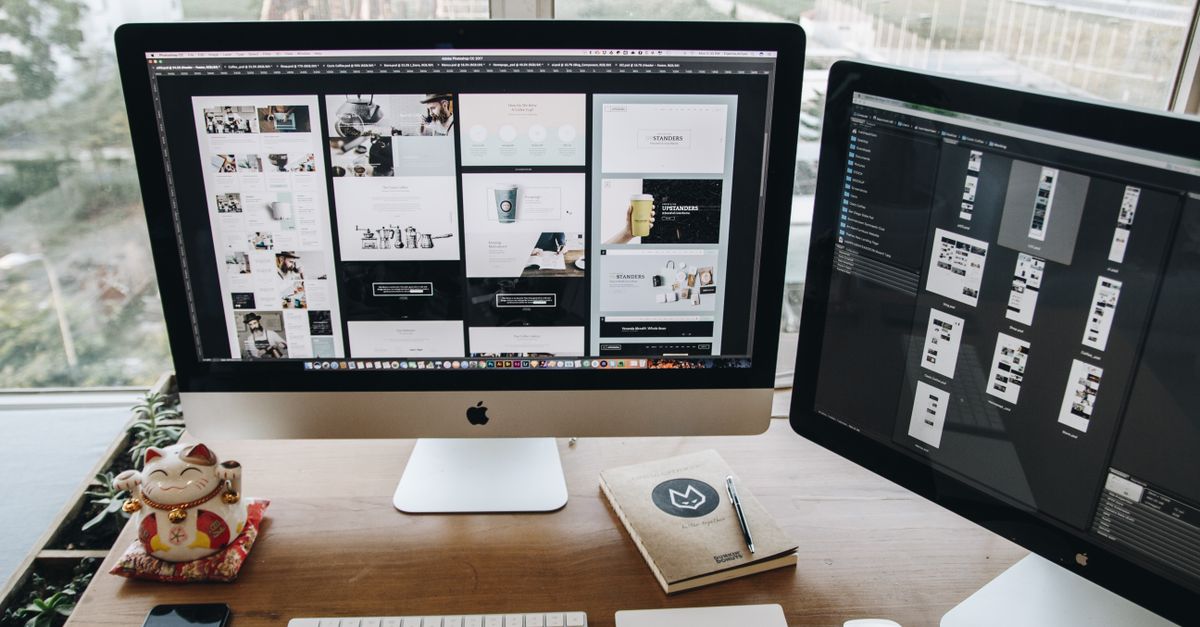
Crello is an intuitive graphic design tool that enables users to create high-quality visual content with minimal design experience. It offers an extensive library of templates, images, fonts, and design elements that can be easily customized to produce stunning visuals for social media, marketing campaigns, presentations, and more. With its drag-and-drop interface, Crello simplifies the design process, making professional-quality graphics accessible to both beginners and experienced designers.
The platform is built to support rapid content creation without sacrificing creativity or brand consistency. Users can quickly adapt designs to fit various formats and channels, ensuring that their visual content remains coherent across digital and print media. Regular updates and an ever-expanding asset library make Crello a dynamic resource for marketers looking to keep their creative output fresh and engaging.
By democratizing design, Crello enables businesses to produce compelling visuals that capture audience attention and drive engagement. Its ease of use, combined with powerful customization features, positions it as a cost-effective solution for teams aiming to maintain a robust visual presence without the need for specialized software or extensive design expertise.
Key Features and Benefits of Crello
Take a concrete case: A local café aims to grow its digital presence and needs regular, eye-catching visuals for its social channels. Over a six-week campaign, they design over 7,000 graphics—social posts, stories, banners, email headers—with minimal design background. The intuitive drag-and-drop interface, combined with thousands of ready-made templates, lets them turn ideas into polished visuals within minutes. This accelerated workflow frees up time for planning or running other business activities.
Businesses benefit from a vast stock image and video library, collaborative design tools, and the ability to tailor formats for specific platforms in just a few clicks. Auto-resize functions remove the manual hassle of adjusting layouts for different channels, making it possible to maintain brand consistency across Facebook, Instagram, LinkedIn, and more. Multi-user access helps teams respond quickly when campaign needs change unexpectedly. However, always check template usage rights for commercial campaigns to avoid compliance risks.
- User-friendly editor with drag-and-drop functionality for rapid design tasks
- Access to an extensive library of templates, images, and animated elements
- Quick resizing to adapt designs for various social media and ad formats
- Collaboration features for teams to streamline project workflows
- Cloud-based storage keeps your creative assets accessible across devices
- Option to download visuals in multiple formats for different campaign needs
Ensuring Brand Consistency with Crello
Look at the numbers: A small Dublin design agency creating 7,200 visuals each month for clients quickly faces the challenge of brand consistency across platforms and campaigns. When handling such volumes, any inconsistency—like a HEX colour off-shade or the wrong font—can seriously erode customer trust. To combat this, cloud-based solutions feature brand kits with pre-set logos, colour palettes, and preferred typefaces. Design templates let businesses reuse layouts, so all social posts and ads reflect the same personality, even when produced by different team members.
Slack processes or a lack of version control can introduce errors, especially during peak campaign months. Digital design tools mitigate the risks by enabling teams to lock brand elements and restrict editing permissions. This ensures everyone works from the correct assets and avoids ad hoc changes that dilute visual identity. Scheduled campaigns and multi-format exports also support a joined-up look across Instagram, email, banners, and video.
- Upload and store official logos and fonts centrally
- Set brand colours for one-click access on every project
- Create and reuse templates for different campaign types
- Lock elements in templates to prevent accidental changes
- Assign viewing or editing roles to team members
- Export materials in multiple formats without style drift
Common Mistakes and Tips for Effective Design
One typical mistake in digital marketing visuals is cluttered layouts—when too many elements fight for attention, the message gets lost. Designs with limited white space can overwhelm viewers and reduce impact. Consistency in branding, such as using mismatched colours or fonts, is another pitfall. Inconsistent imagery can make your brand look unprofessional and confuse your audience. If a business produces around 8,400 digital visuals per year (calculated as 1,200 visuals per month for seven channels), even a 10% error rate means 840 less effective posts annually.
Many visuals fail to optimise text contrast against backgrounds, leading to illegible content—especially on mobile devices. This misses the brief for accessibility and reach. Rushed image sizing or wrong ratios can distort photos and reduce engagement. Designs lacking a clear focal point can leave viewers unsure where to look first, seriously limiting their effectiveness. Testing visuals in context, and seeking feedback before publishing, helps avoid these errors.
- Keep layouts simple with plenty of breathing space
- Choose no more than two or three core brand fonts
- Use high-contrast text and background combinations for readability
- Check for mobile compatibility and preview designs on different devices
- Stick to one strong focal point per visual
- Regularly update templates to avoid repetition
- Always proof content for spelling, grammar, and alignment errors
Crello in Practice: Examples for Digital Marketing
Run the maths on this: a local coffee shop plans a 6-month campaign to boost its new loyalty programme. Each month, it produces 2 animated Instagram stories, 1 Facebook cover, and 3 promotional post visuals, totalling 6 assets monthly. Using an easy-to-master design platform, the shopkeeper saves both designer fees and turnaround time—often handling updates in minutes, rather than waiting days for an agency.
Visual consistency is key for these businesses. By customising templates with the shop’s unique palette and logo, every post looks professional, no matter where it’s published. Seasonal updates, like changing colours for St Patrick’s Day or summer specials, can be achieved in a single sitting. This kind of flexibility also means responding quickly to flash sales or positive reviews, keeping campaigns agile and relevant.
- Repurpose one design across multiple social channels for greater brand continuity
- Customise templates with your logo, fonts, and colour scheme quickly
- Integrate dynamic elements, such as animations or video snippets, for more engaging posts
- Create variations for A/B testing to identify which visuals drive the most clicks
- Adapt seasonal templates to piggyback on holidays and local events
- Swap out product shots or offers in minutes for last-minute promotions